Comparisons
Compare LayoutPages with common website tools.
These pages focus on practical tradeoffs: first launch, CMS workflow, client surfaces, migration, and upgrade timing.
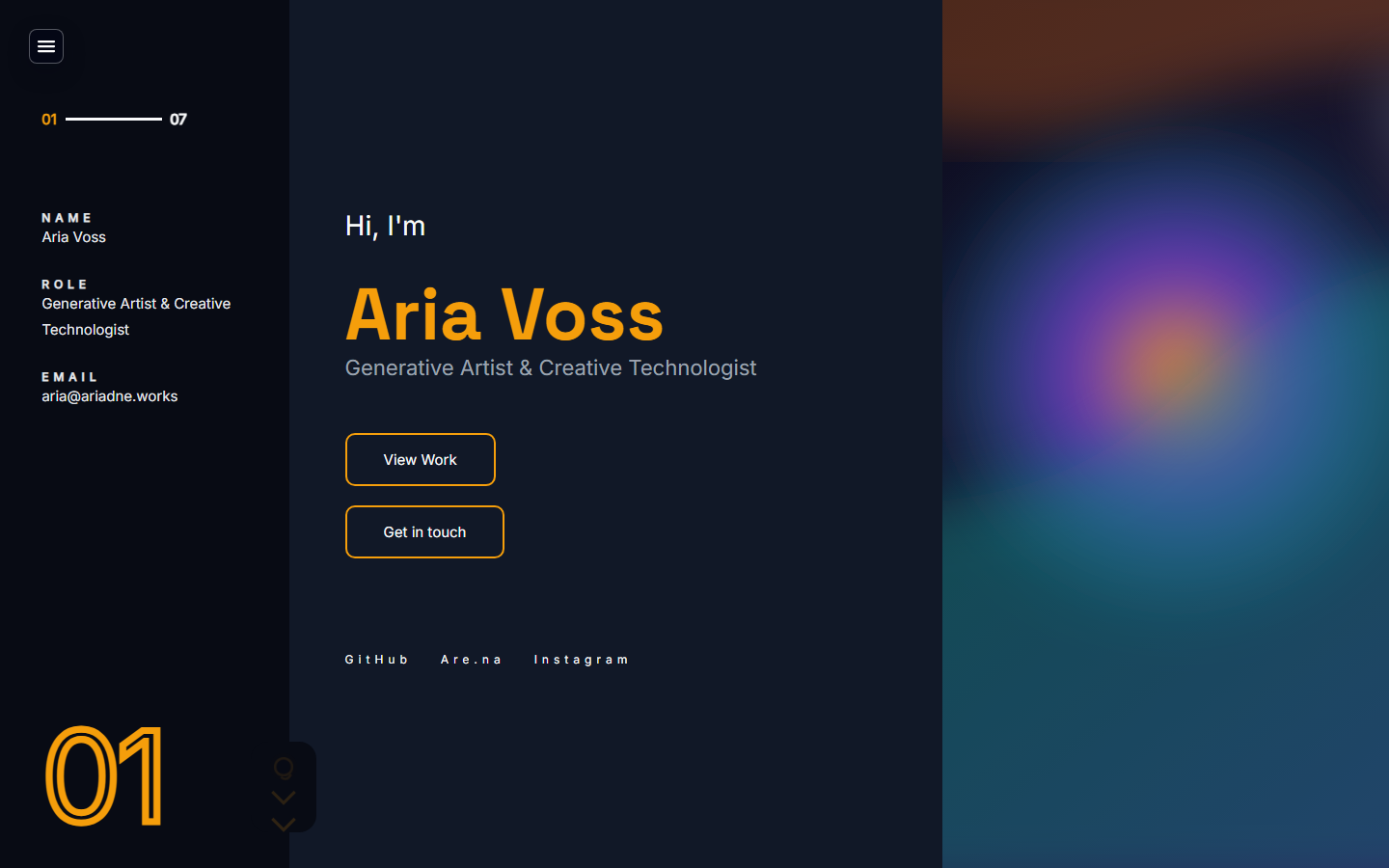
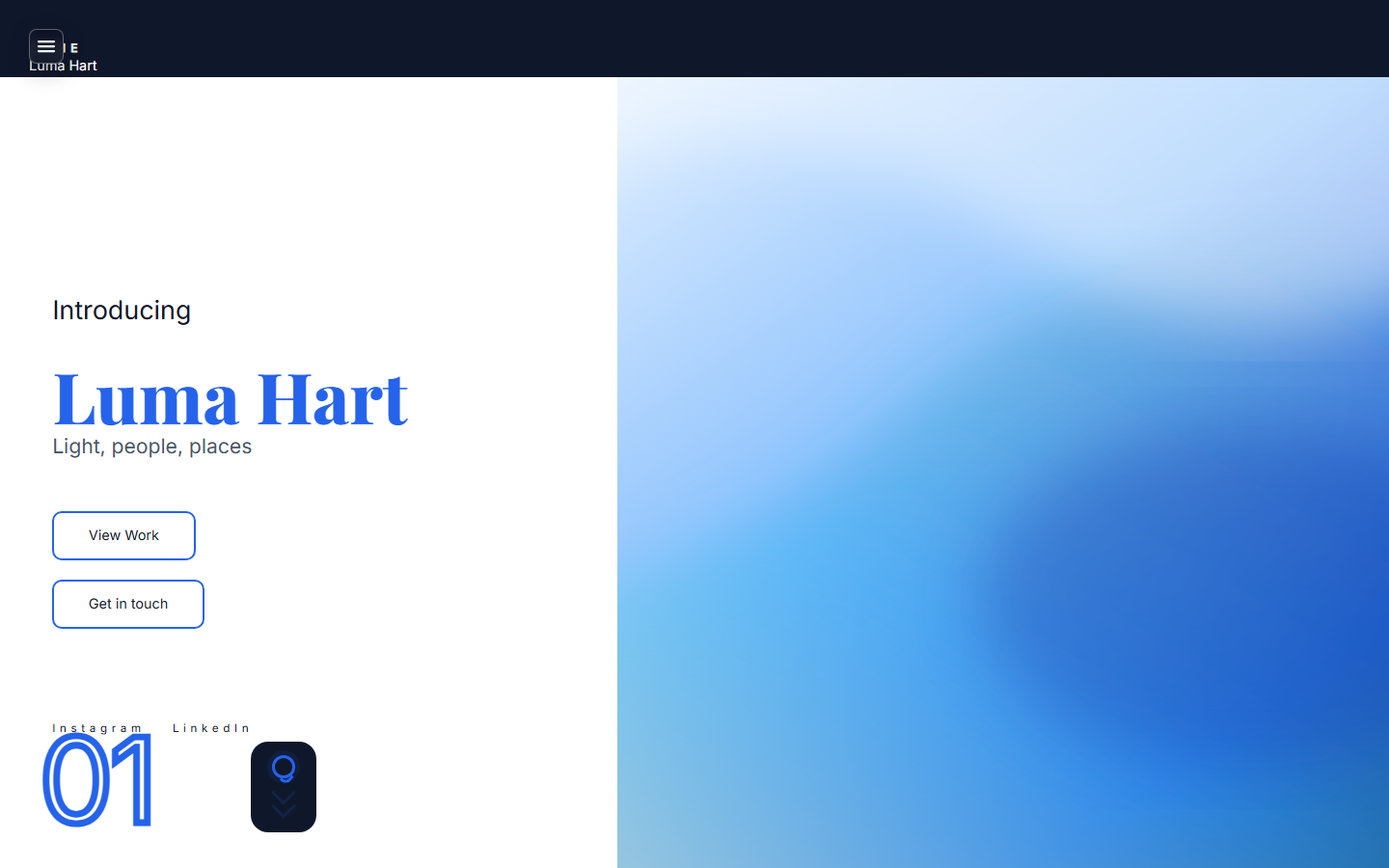
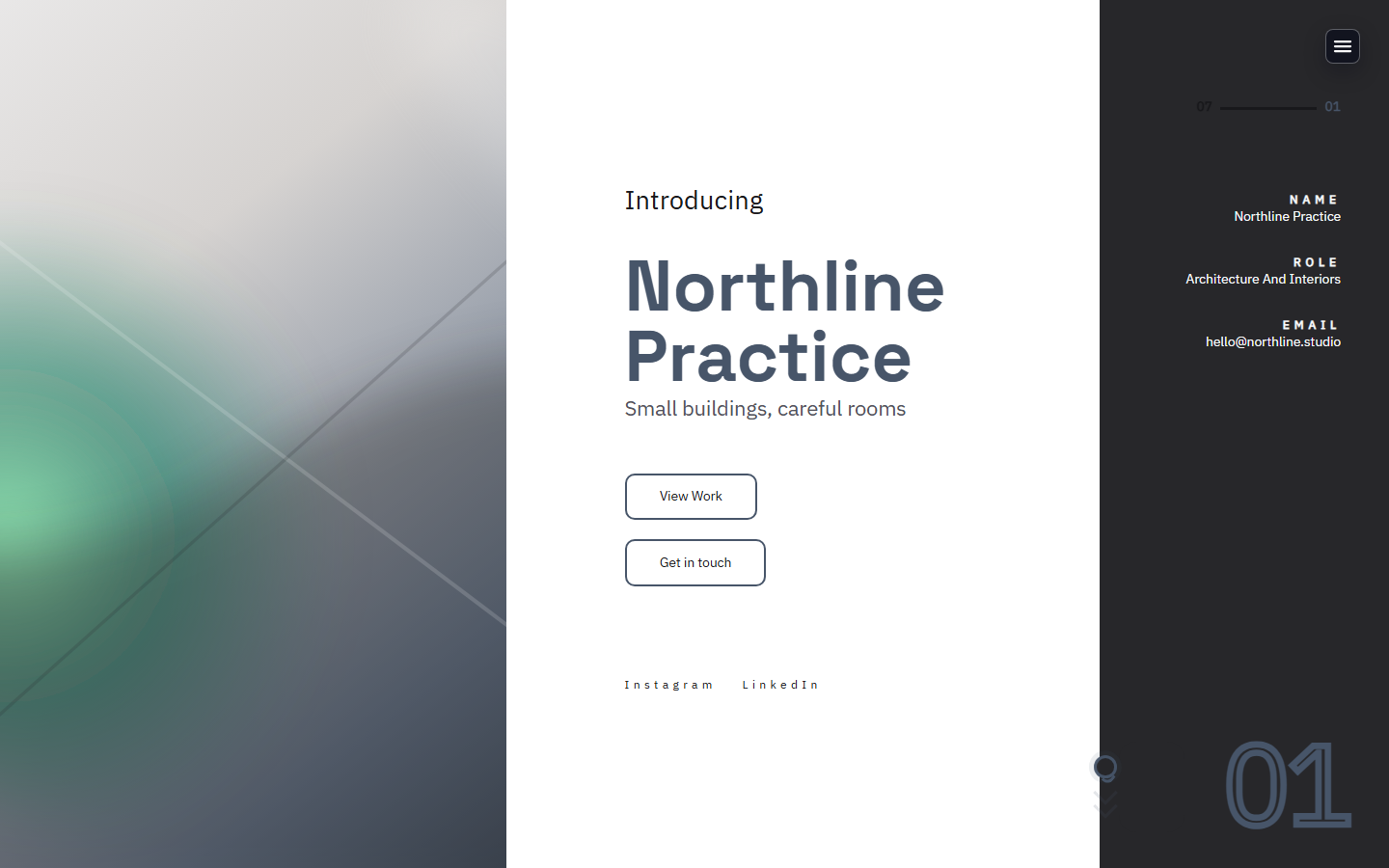
Visual preview
Compare the workflow, not just the homepage.
The visual difference is less about a single hero and more about what is already wired after signup: templates, admin, forms, private pages, and upgrade paths.
LayoutPages vs Webflow
LayoutPages vs Webflow for launch-first portfolio and client sites
Webflow is powerful when visual design control is the main job. LayoutPages is built for getting a hosted CMS, starter site, forms, client pages, and monetization surfaces live quickly.
LayoutPages vs Squarespace
LayoutPages vs Squarespace for creative sites that need a CMS
Squarespace is familiar for polished brochure sites. LayoutPages is stronger when the site needs CMS workflow, private pages, API access, monetization, and a path beyond static marketing pages.
LayoutPages vs WordPress
LayoutPages vs WordPress when you want less plugin maintenance
WordPress is flexible and huge. LayoutPages is narrower by design: hosted CMS, site templates, forms, media, backups, client pages, and launch operations without maintaining a plugin stack.
LayoutPages vs Framer
LayoutPages vs Framer for CMS-backed sites that need workflow
Framer is strong for visual marketing pages and motion-heavy presentation. LayoutPages is a better fit when the site needs a CMS, forms, paid offers, private pages, and ongoing admin workflow from day one.
LayoutPages vs Carrd
LayoutPages vs Carrd when a one-page site needs to grow
Carrd is fast for simple one-page sites. LayoutPages is better when the site needs portfolio items, posts, forms, client pages, SEO pages, and monetization after the first version.
LayoutPages vs Format
LayoutPages vs Format for portfolios with client workflow
Format focuses on portfolio presentation for creatives. LayoutPages is broader: portfolios, writing, studio services, forms, private client pages, API/webhooks, and paid offers in one CMS.
LayoutPages vs Wix
LayoutPages vs Wix for launch-first CMS sites
Wix gives broad site-building flexibility. LayoutPages narrows the surface around a faster path to a hosted CMS site with templates, content workflow, forms, private pages, and paid offers.
LayoutPages vs Notion Sites
LayoutPages vs Notion Sites for public content and offers
Notion Sites are convenient when content already lives in Notion. LayoutPages is better when the public site needs CMS structure, branded templates, forms, SEO pages, paid offers, and client access.
LayoutPages vs Adobe Portfolio
LayoutPages vs Adobe Portfolio for creative sites that need workflow
Adobe Portfolio is useful for presenting creative work inside the Adobe ecosystem. LayoutPages fits when the site also needs forms, writing, client pages, paid offers, SEO resources, and operational CMS workflow.
LayoutPages vs Shopify
LayoutPages vs Shopify when content comes before a full store
Shopify is the better fit for a full ecommerce catalog. LayoutPages is better when the site starts as content, services, portfolio proof, or a small paid offer rather than a store.
LayoutPages vs Ghost
LayoutPages vs Ghost for writing sites with broader business workflow
Ghost is strong for publishing and memberships. LayoutPages is broader when the site also needs portfolios, service pages, client pages, forms, paid offers, and launch operations.
LayoutPages vs Substack
LayoutPages vs Substack for owning a writer website
Substack is convenient for newsletter publishing. LayoutPages is better when the writer needs an owned website with pages, posts, forms, SEO structure, offers, and custom launch workflow.
Next step
Need a launch-first CMS instead of another blank builder?
Start with a hosted template, make the first version reviewable, and upgrade only when a custom domain or workflow features matter.