LayoutPages vs Webflow
LayoutPages vs Webflow for launch-first portfolio and client sites
Webflow is powerful when visual design control is the main job. LayoutPages is built for getting a hosted CMS, starter site, forms, client pages, and monetization surfaces live quickly.
Start freeVisual preview
What LayoutPages looks like in practice
Compare Webflow against a product surface with template previews, CMS-backed starter sites, and launch operations already grouped together.


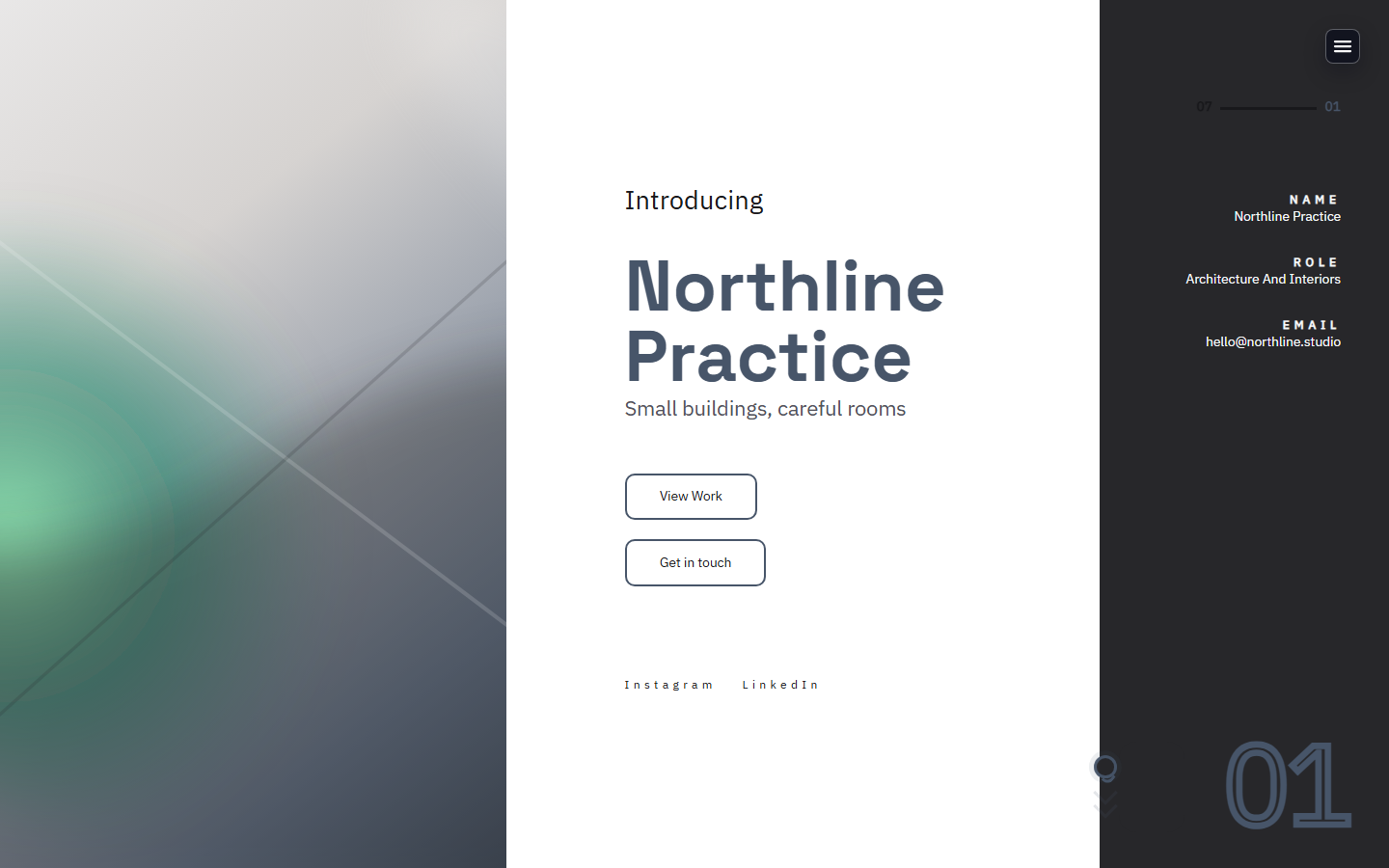
Best fit
Choose LayoutPages when the priority is launching and editing a real content site quickly, not building every layout interaction from scratch.
First launch
LayoutPages: Seeded site, admin, forms, and hosted subdomain immediately.
Webflow: More visual control, but more setup before the site feels complete.
CMS workflow
LayoutPages: Portfolio, blog, forms, media, SEO, backups, referrals, and monetization in one admin.
Webflow: Strong CMS, often paired with extra tools for workflow and operations.
Client delivery
LayoutPages: Private client pages and review links are part of the product surface.
Webflow: Usually modeled with custom collections, memberships, or third-party tooling.
Why teams choose LayoutPages
Start free on a LayoutPages subdomain
Upgrade when custom domain or workflow features matter
Use API/webhooks when the site becomes operational
Is LayoutPages a Webflow replacement?
Not for pixel-level visual design systems. It is a faster fit when the user needs a hosted CMS site with admin workflows already wired.
Who should still use Webflow?
Teams whose primary requirement is full visual layout control and custom interactions may prefer Webflow.
Next step
Ready to try LayoutPages after comparing Webflow?
Start with a hosted CMS-backed template and make the first useful version before you decide how much polish or workflow you need.