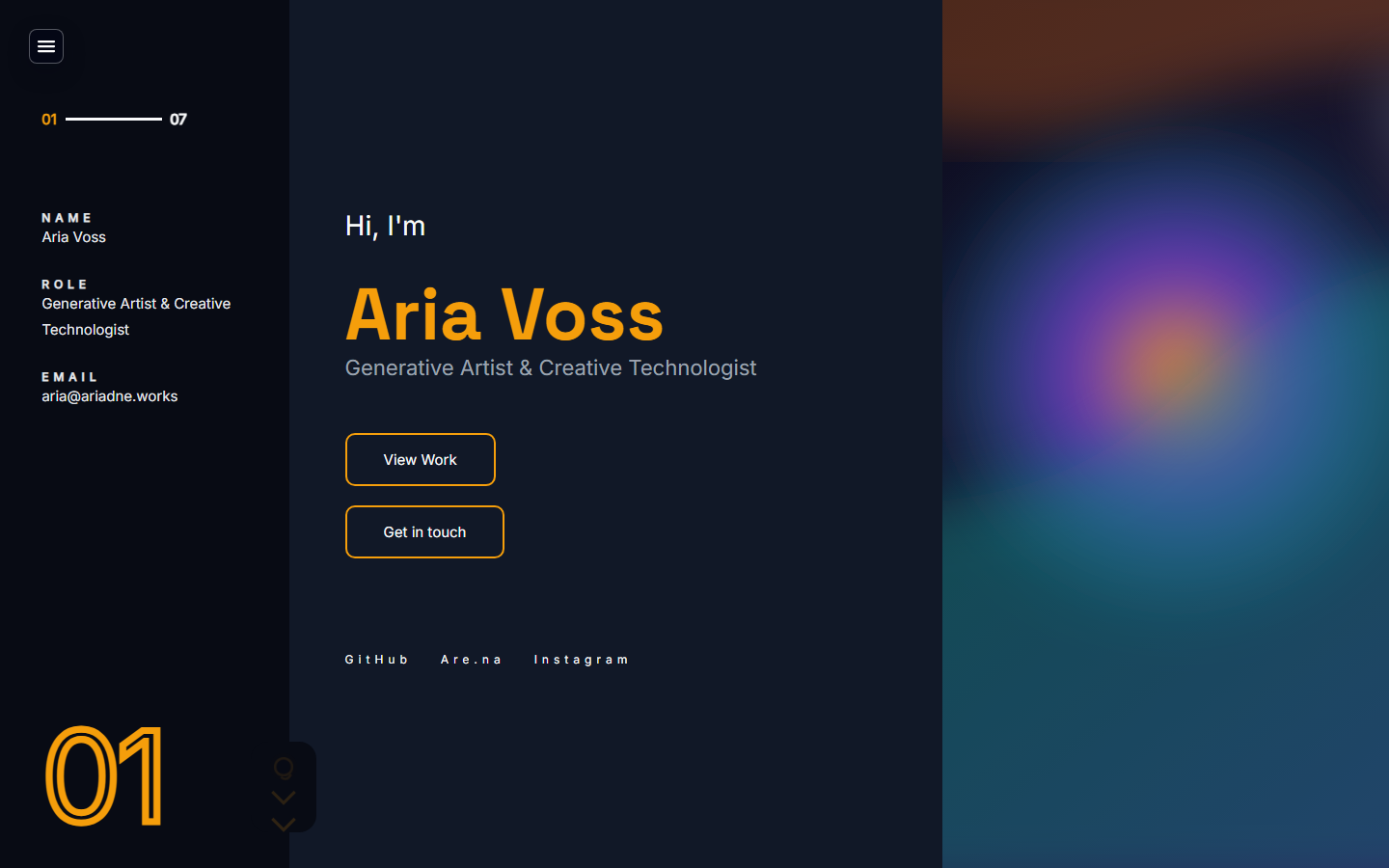
Artist portfolioartists
Artist Portfolio Website Template
A portfolio starter for showing selected work, artist context, contact paths, and a reviewable live URL without starting from a blank canvas.
Templates
Each template includes seeded content, admin defaults, screenshot previews, and a live example URL you can inspect before signup.
A portfolio starter for showing selected work, artist context, contact paths, and a reviewable live URL without starting from a blank canvas.
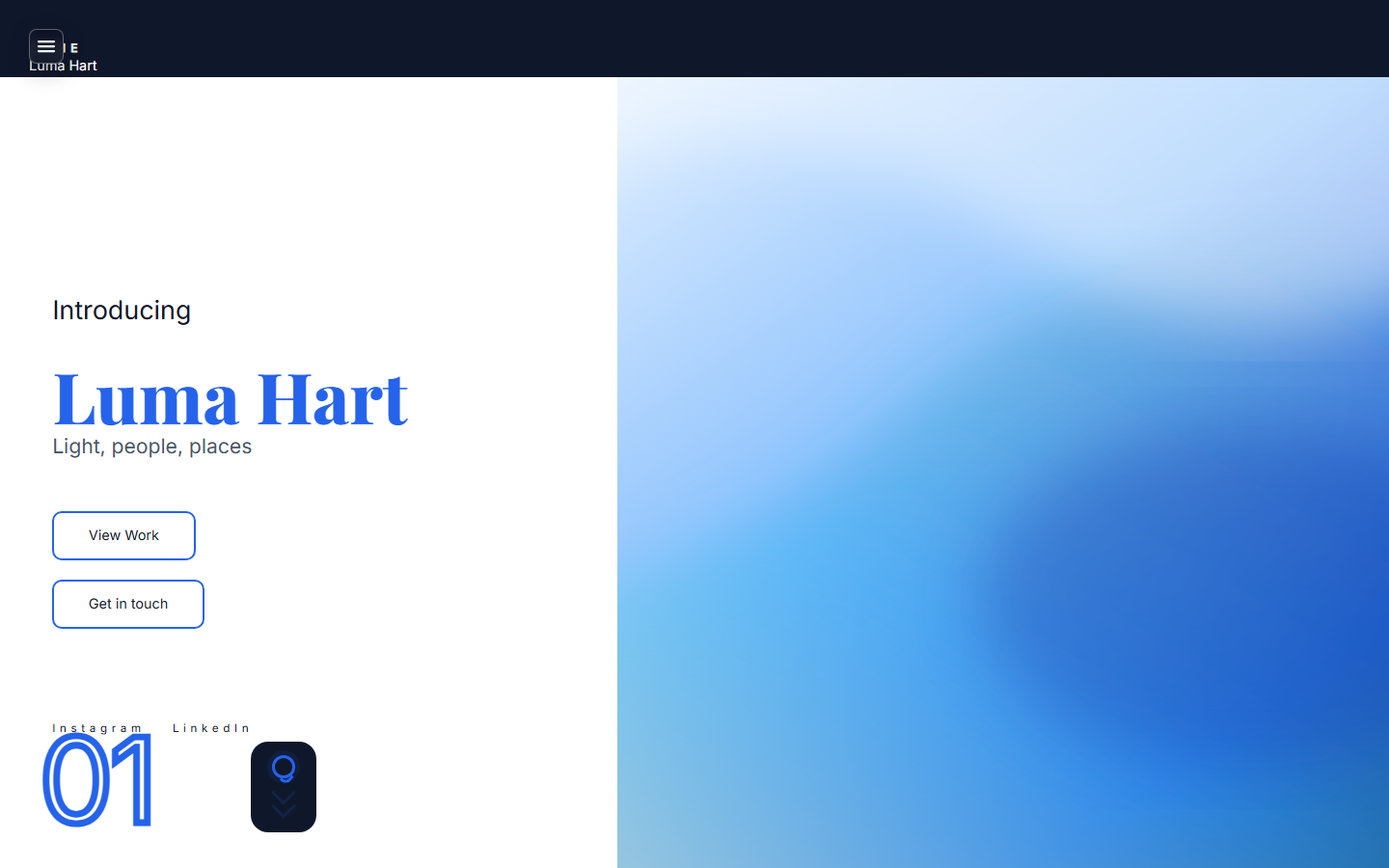
A clean portfolio template for case studies, selected services, client-ready pages, and a simple CMS workflow.
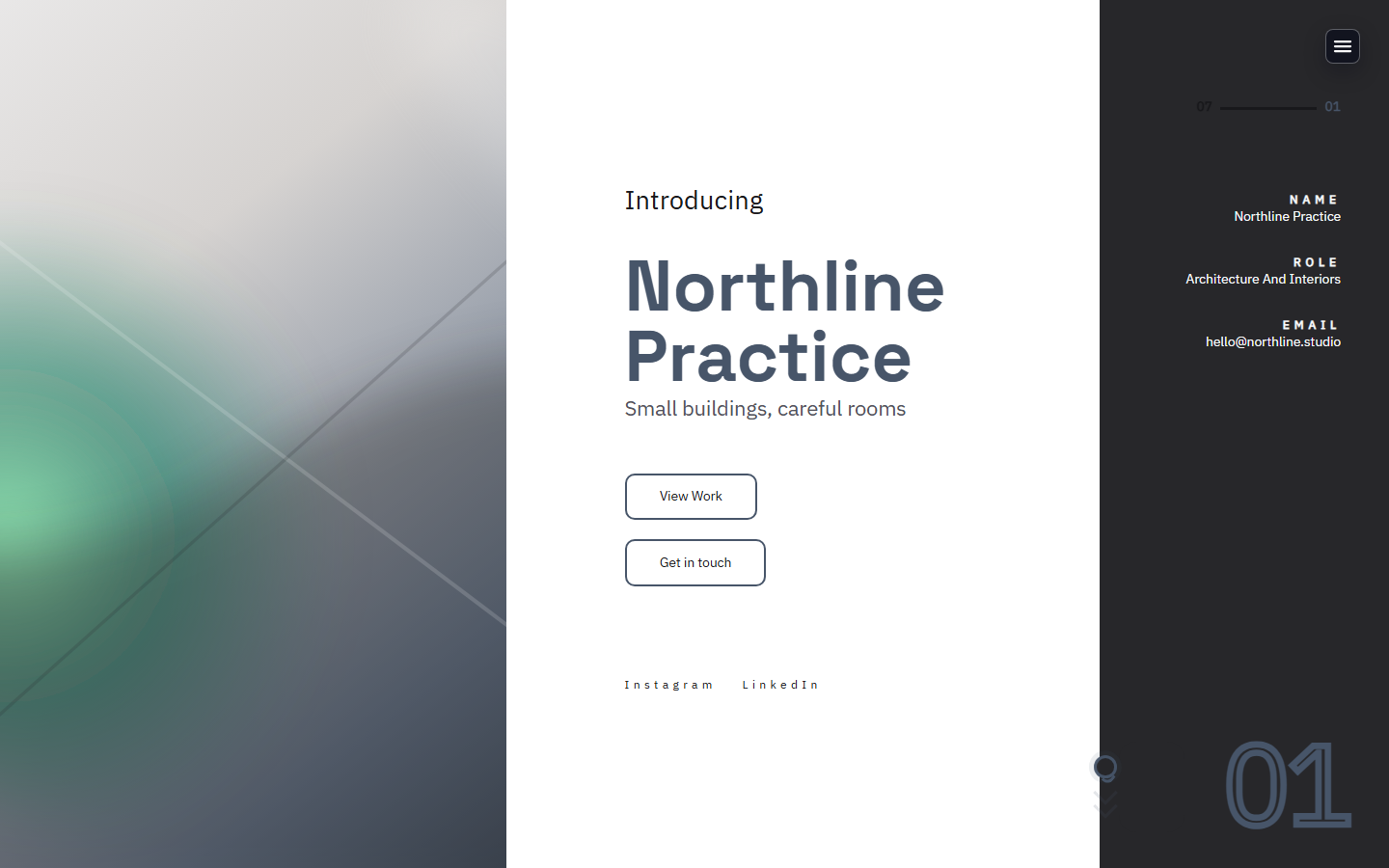
A services-first template for studios that need proof, inquiry forms, client pages, and workflow room as the pipeline grows.
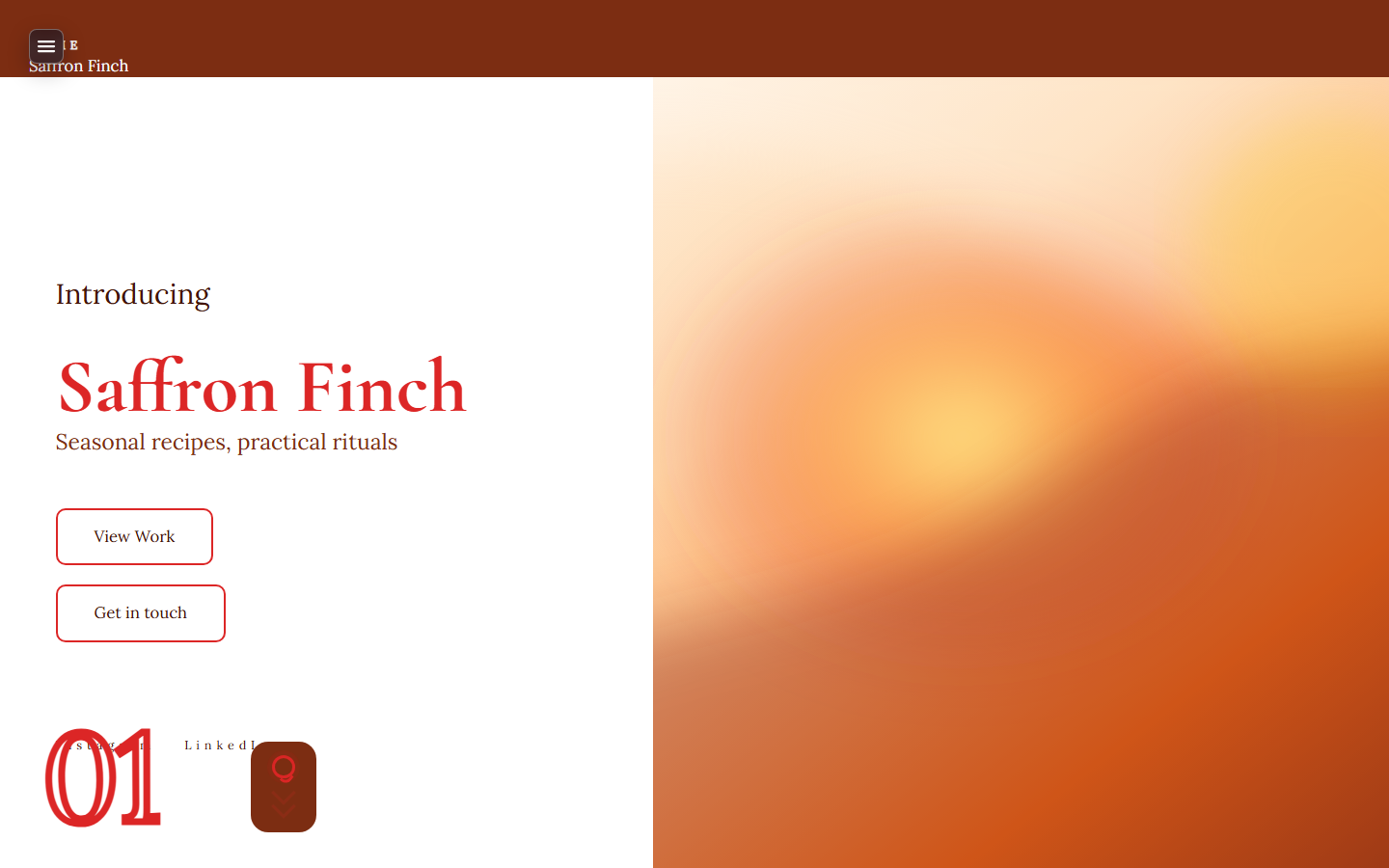
A writing-first website template with posts, archive structure, about page, contact path, SEO defaults, and export-friendly ownership.
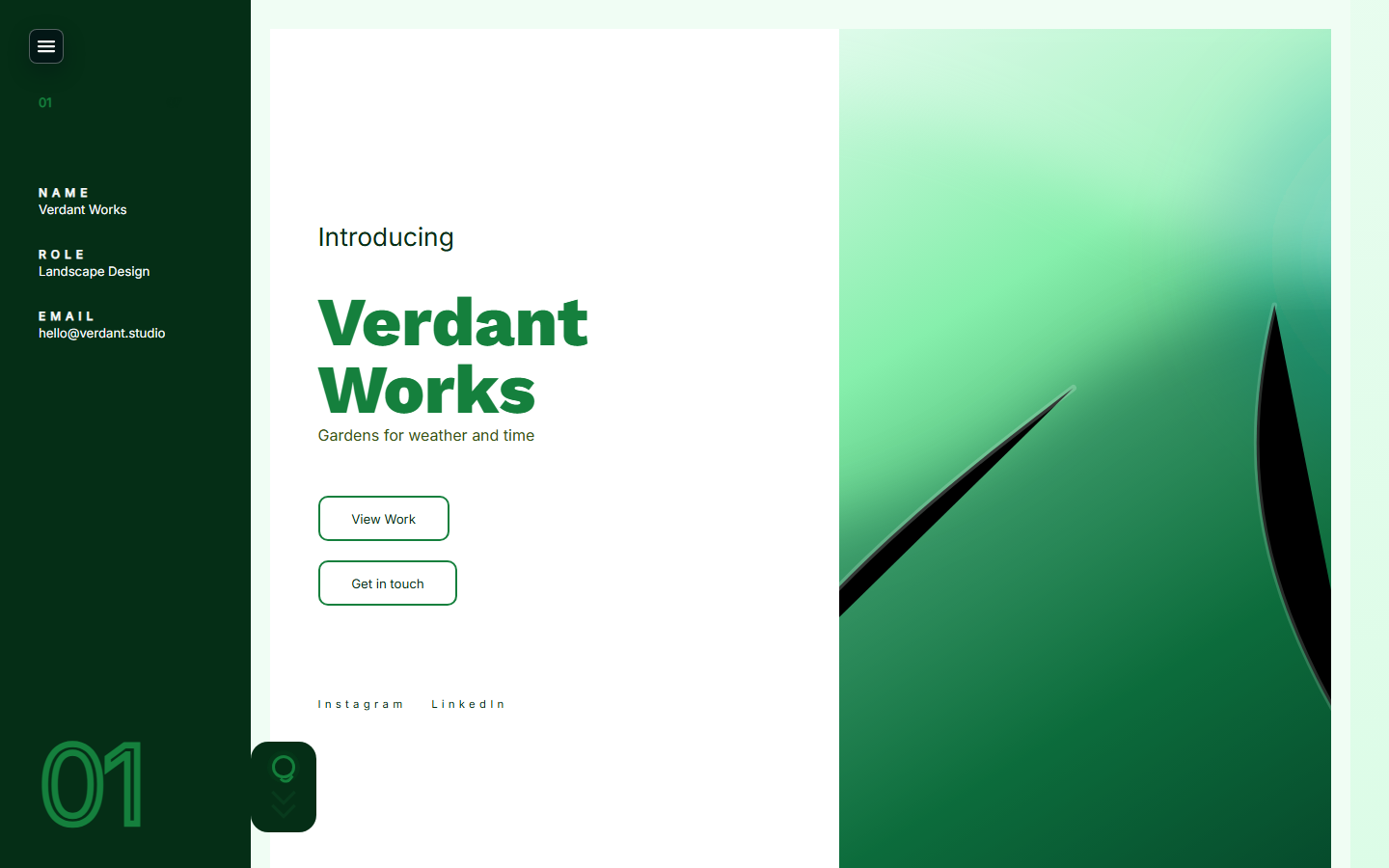
A services-first starter for consultants who need clear positioning, proof, inquiry flow, paid calls, and a reviewable live URL.
Template finder
Answer three practical questions. The result is a template recommendation and a signup link with the starter context already attached.
Recommended
A portfolio starter for showing selected work, artist context, contact paths, and a reviewable live URL without starting from a blank canvas.
Compare starters
Artist portfolio
Seeded portfolio grid and project pages About, contact, and SEO defaults included
Designer portfolio
Case-study friendly portfolio structure Service and contact sections ready to edit
Studio services
Services, proof, and inquiry flow Client pages and review workflows
Writer site
Blog, archive, and about pages SEO and social preview defaults
Consultant services
Service positioning and proof sections Inquiry forms and paid consultation upgrade path
Yes. Each starter includes seeded sections, admin defaults, screenshots, and a signup path that preserves the chosen template context.
You can revise content and styling from admin. For a different site shape, start from another template before connecting a production domain.
No. They include the site type, content structure, CMS defaults, SEO framing, and first-publish checklist for that use case.
Next step
Start with seeded pages, CMS defaults, screenshots you can inspect, and a live URL before you commit to a custom domain.