LayoutPages vs Adobe Portfolio
LayoutPages vs Adobe Portfolio for creative sites that need workflow
Adobe Portfolio is useful for presenting creative work inside the Adobe ecosystem. LayoutPages fits when the site also needs forms, writing, client pages, paid offers, SEO resources, and operational CMS workflow.
Start freeVisual preview
What LayoutPages looks like in practice
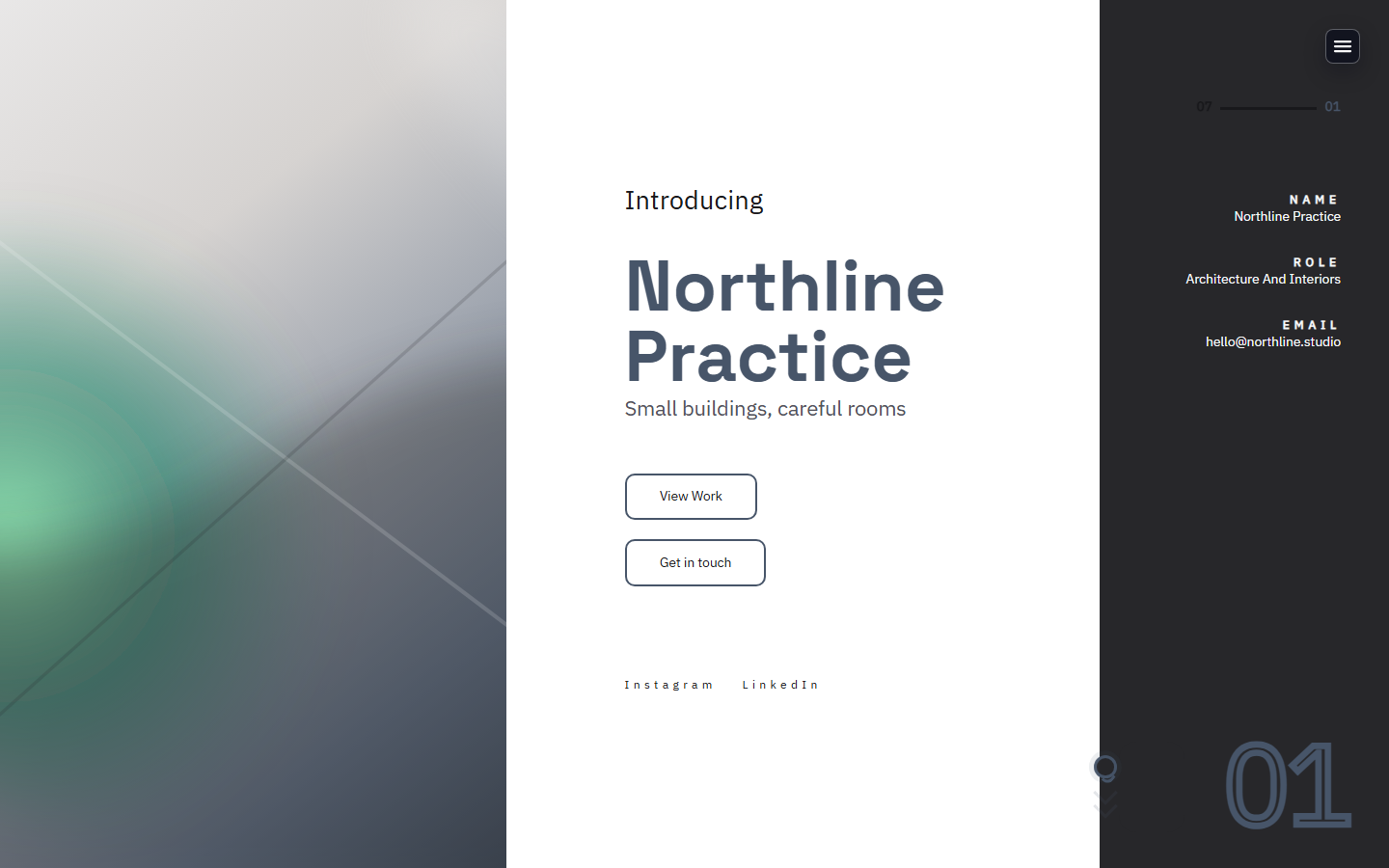
Compare Adobe Portfolio against a product surface with template previews, CMS-backed starter sites, and launch operations already grouped together.


Best fit
Choose LayoutPages when the portfolio is also a business surface for inquiries, content, private pages, and offers.
Creative display
LayoutPages: Portfolio templates include project pages, proof, forms, and CMS editing.
Adobe Portfolio: Strong fit for Adobe-connected portfolio presentation.
Workflow
LayoutPages: Forms, client pages, posts, backups, paid offers, and launch checks are native.
Adobe Portfolio: More focused on portfolio publishing than ongoing business operations.
Search surface
LayoutPages: Templates, comparisons, resources, schema, and sitemaps are built into the platform site.
Adobe Portfolio: SEO depends on the portfolio structure and available customization.
Why teams choose LayoutPages
Portfolio CMS plus forms
Private client page workflow
Monetization and API paths as the site grows
When is Adobe Portfolio enough?
It can be enough when the site only needs a polished creative presentation and the owner already works inside Adobe tools.
Why pick LayoutPages?
Pick LayoutPages when the public portfolio also needs content operations, forms, paid offers, client delivery, or launch readiness checks.
Next step
Ready to try LayoutPages after comparing Adobe Portfolio?
Start with a hosted CMS-backed template and make the first useful version before you decide how much polish or workflow you need.