LayoutPages vs Squarespace
LayoutPages vs Squarespace for creative sites that need a CMS
Squarespace is familiar for polished brochure sites. LayoutPages is stronger when the site needs CMS workflow, private pages, API access, monetization, and a path beyond static marketing pages.
Start freeVisual preview
What LayoutPages looks like in practice
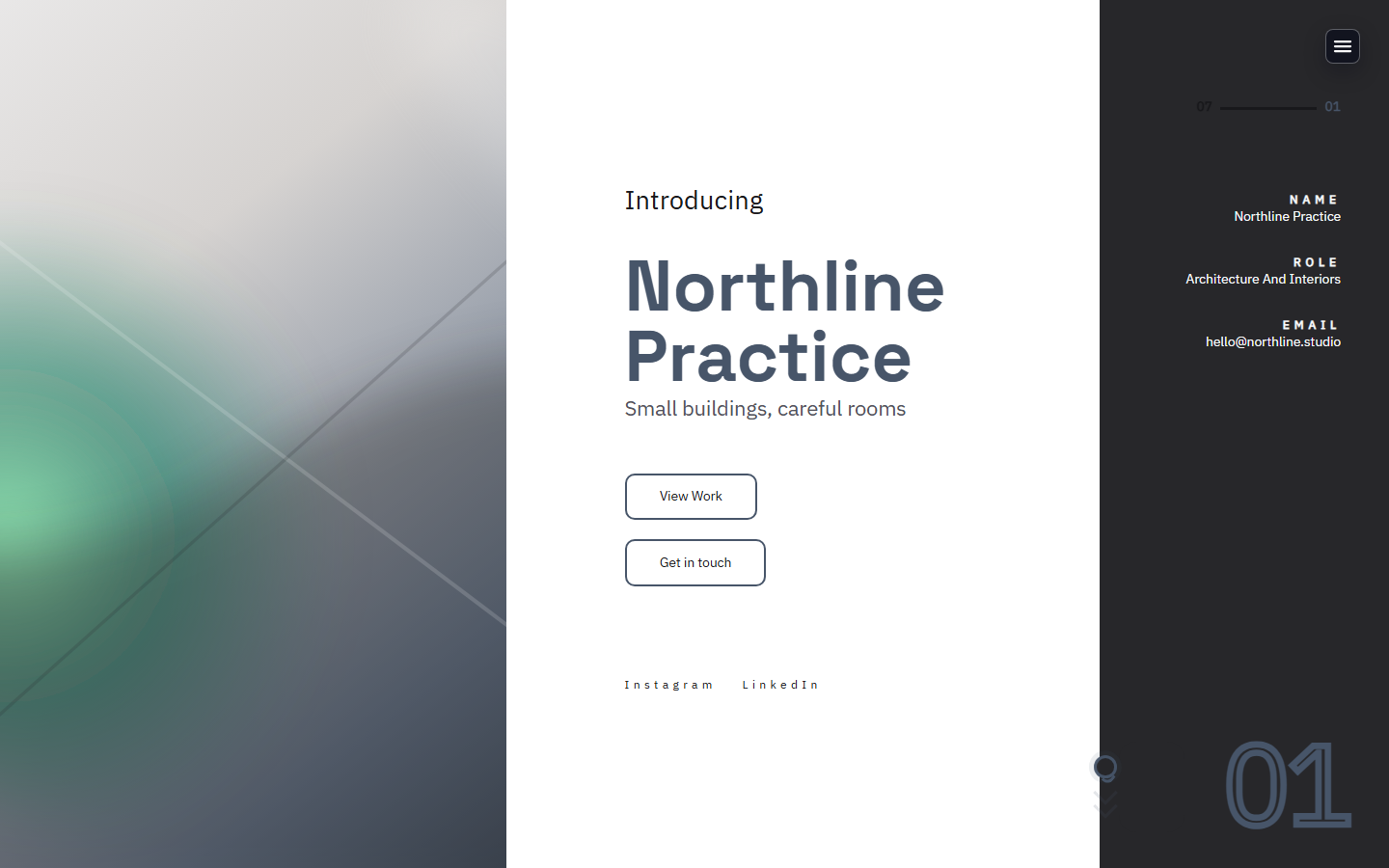
Compare Squarespace against a product surface with template previews, CMS-backed starter sites, and launch operations already grouped together.


Best fit
Choose LayoutPages if the site needs to become a working content system rather than a brochure you rarely touch.
Starter experience
LayoutPages: Pick a site type and get a live CMS-backed starter.
Squarespace: Pick a theme and customize within a broader website builder.
Growth surfaces
LayoutPages: Forms, client pages, API keys, webhooks, offers, and referrals are product areas.
Squarespace: Often depends on plan-specific commerce and integration features.
Migration
LayoutPages: Migration analysis can extract public-page signals into launch suggestions.
Squarespace: Migration usually means manual rebuild or export/import limits.
Why teams choose LayoutPages
Migration workspace for public URL analysis
Built-in admin for content and launch readiness
Paid workflow features available when needed
Can LayoutPages help move from Squarespace?
Yes. The migration workflow reads public URL signals and turns them into suggestions without touching the old site.
Is LayoutPages only for portfolios?
No. It supports portfolios, writing sites, studio sites, service pages, forms, client pages, and monetization offers.
Next step
Ready to try LayoutPages after comparing Squarespace?
Start with a hosted CMS-backed template and make the first useful version before you decide how much polish or workflow you need.