Step 1
Inventory the booking categories
Separate wedding, portrait, commercial, editorial, and personal work before choosing what belongs on the homepage.
Photography migration
A photography migration should protect the strongest work while making booking and updates easier.
Photographers moving from an older portfolio site - 6 min read
Visual preview
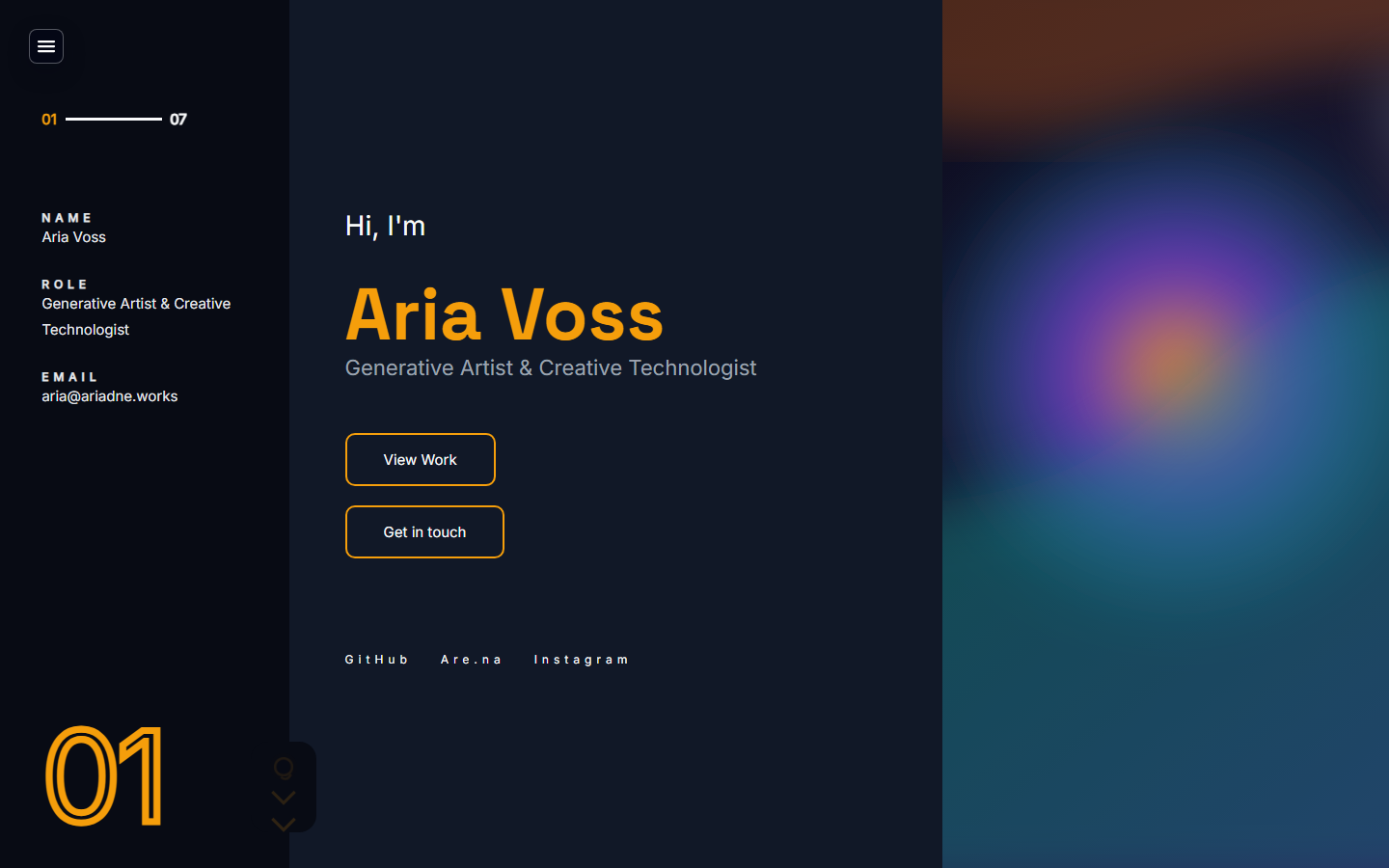
The advice is paired with template previews so readers can connect the launch step to an actual starting point.
Step 1
Separate wedding, portrait, commercial, editorial, and personal work before choosing what belongs on the homepage.
Step 2
Keep the best images, but add service, location, caption, and inquiry context so the gallery can produce action.
Step 3
Review the hosted URL, contact form, metadata, sitemap, and image previews before switching DNS.
Next step
Start from a template, make one focused first version, and use the CMS checklist to keep the next action visible.