Step 1
Launch the public site
Start with a template, publish the core content, and make the offer feel native to the site.
Stripe checkout
LayoutPages pairs hosted templates and CMS editing with Stripe-powered checkout paths for offers that need to earn.
Start with Stripe-ready pagesVisual preview
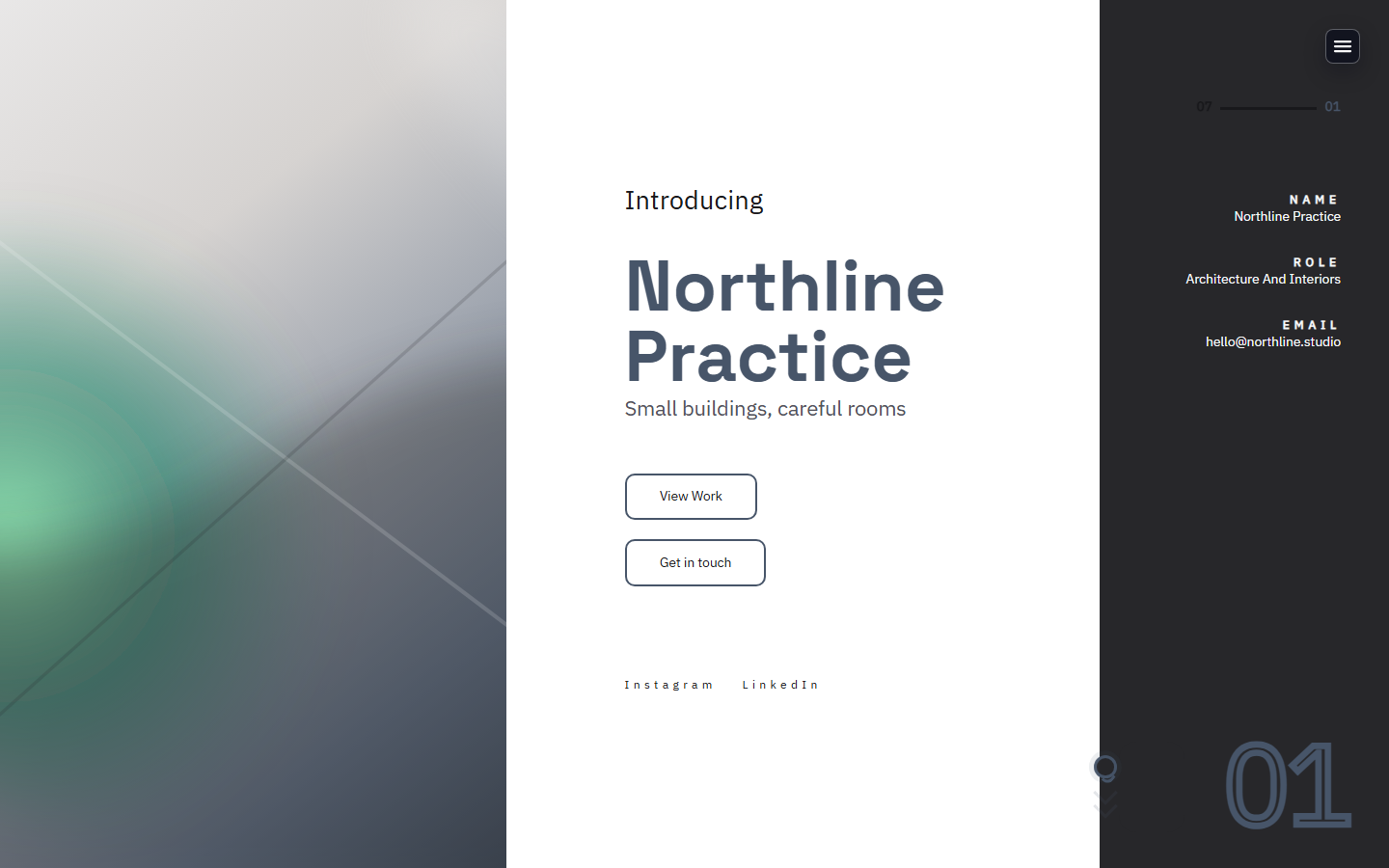
This paid path pairs well with Studio Services Website Template because the buyer sees the offer in context before paying.
Step 1
Start with a template, publish the core content, and make the offer feel native to the site.
Step 2
Use Stripe-backed payment links and checkout flows for the paid moment.
Step 3
Review offer views, checkout starts, and successful purchases from the admin workflow.
Paid downloads and files
Consultation deposits
Private page access and gated resources
No. Stripe handles the payment infrastructure while LayoutPages handles the site, content, offer, and access surface.
Downloads, deposits, memberships, private access, consultations, retainers, and other simple paid offers.
Next step
Start with a reviewable public page, add the offer, and test the checkout before you send real traffic.